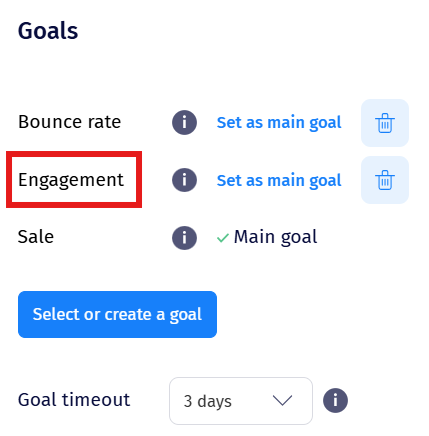
Engagement Goal
Overview
The Engagement goal counts a conversion when a visitor, after being included in an experiment, views more than 3 pages and stays on your website for more than 180 seconds.
No integration required. Engagement works by default via the tracking code.
The 1-hour window
The engagement cookie has a 1-hour timeout, within which the engagement conversion must occur.
If a visitor lands on a page where an experiment is running, browses to another page, leaves the website, and returns after more than an hour, the engagement conversion will not register - even if they would have otherwise met the page-count and time thresholds.
Removing the goal
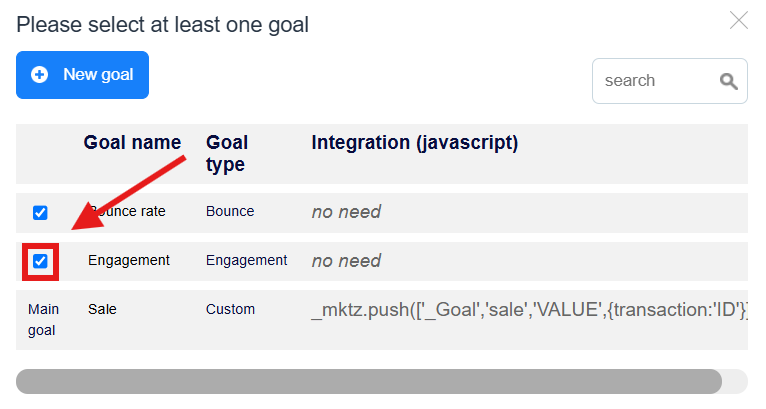
Engagement is enabled by default. If you don't want to track it, go to Traffic Allocation & Goals in the experiment editor, press Select or create a goal, and uncheck the box next to Engagement.