Integrating HubSpot with Omniconvert Explore brings together powerful tools to boost your marketing efforts.
HubSpot’s inbound marketing and sales software helps attract visitors, convert leads, and close customers.
By integrating it with Omniconvert Explore, you can enhance your A/B tests, interactions, and surveys, making your data even more actionable.
IMPORTANT: This integration requires custom Events. Due to changes to Hubspot policy, Custom Events are only available in Marketing Hub Enterprise plans. Therefore you can only use this integration if you already have an Enterprise plan.
How the Integration Works
For this integration to work, both the HubSpot tracking code and the Omniconvert Explore code must be present on your website.
This ensures that Omniconvert Explore can send event data to HubSpot for advanced reporting.
Steps to Integrate
1. Hubspot Prerequisites
1.1. Open up the HubSpot interface and go to Data Management dropdown, then select Custom Events.

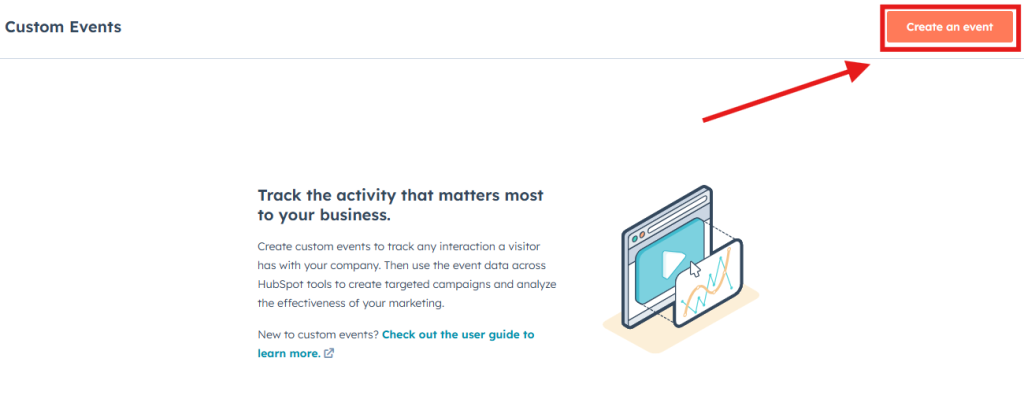
1.2. Click on Create an Event.
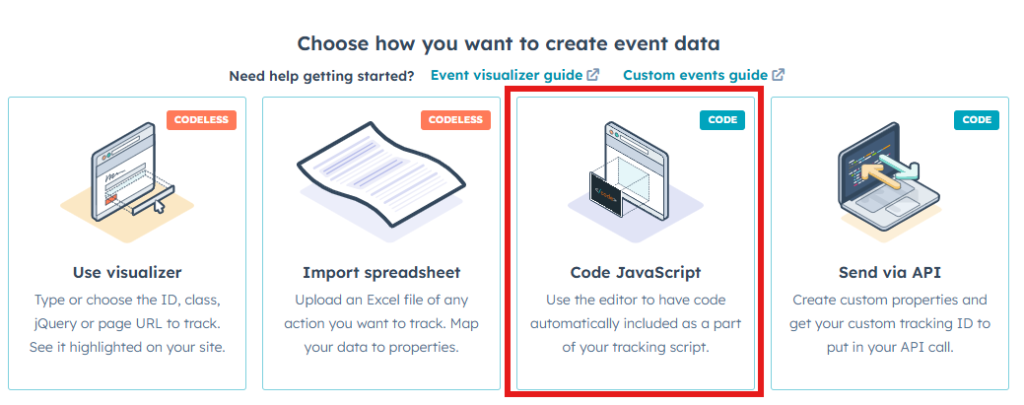
1.3. Choose Code JavaScript.
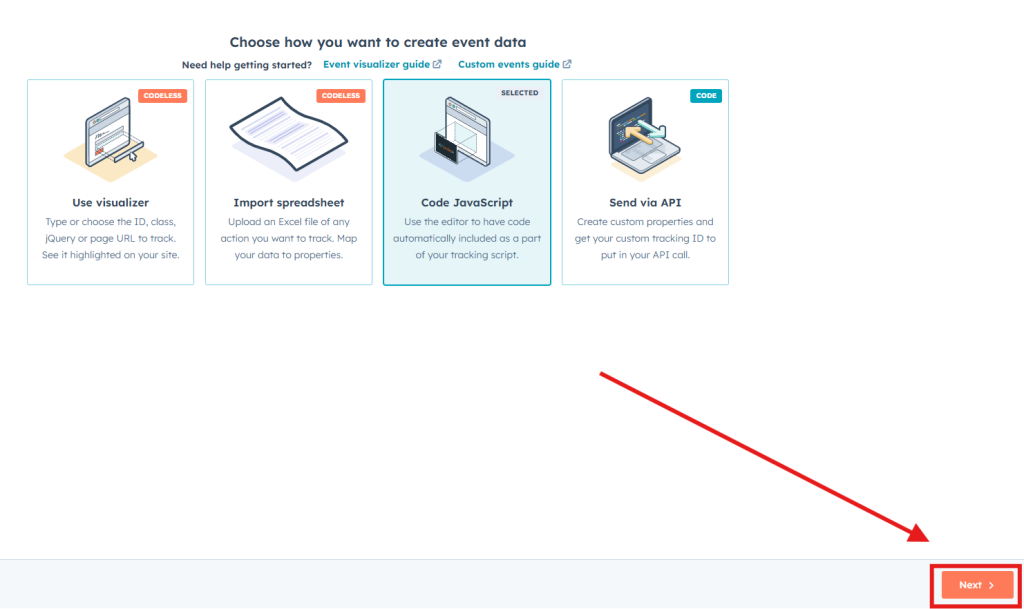
1.4. Press Next from the bottom right of your screen.
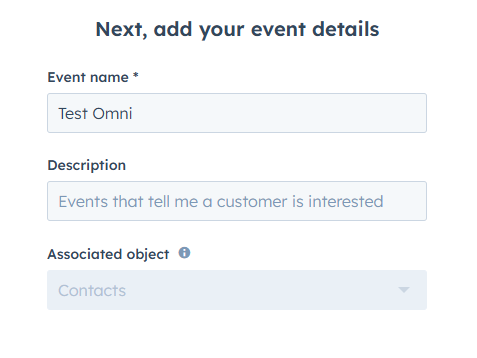
1.5. Choose an Event name and a Description, if needed. Then press Next again.
1.6. In the next step add 4 string properties. These properties have to be named exactly like this:
- experiment_id
- experiment_name
- variation_id
- variation_name
To add one, click on Custom string property.

Input the property name as mentioned above, then press the Done button.

Repeat the process for every string. This is what your screen should look like.

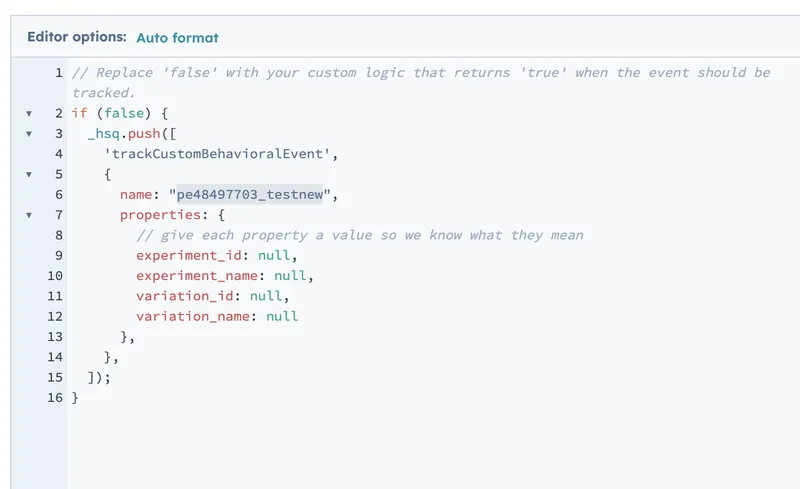
1.5. Click on Next and get the Event name from the generated code.
2. Enabling the Integration
2.1. Press on your Active website to open the dropdown and select the Integration section.

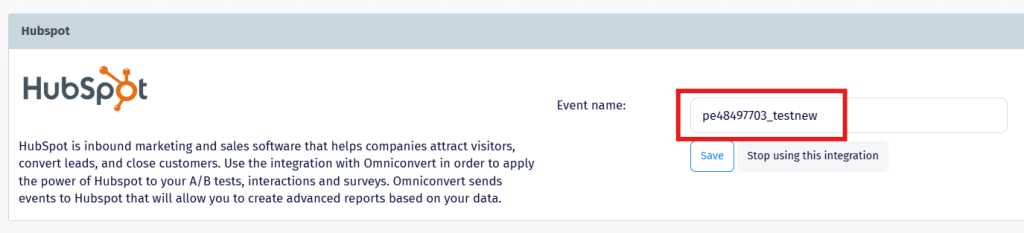
2.2 Scroll down to the Hubspot integration, input the Event name in the field and press Save.
Benefits
Advanced Reporting: Create comprehensive reports in HubSpot using data from Omniconvert Explore.
Improved Marketing Strategies: Gain insights into customer behavior to refine your marketing efforts.
Seamless Integration: Ensure smooth data flow with minimal setup—just install the Hubspot event code on the Omniconvert platform.
By combining Omniconvert Explore with HubSpot, you can maximize your marketing potential with deeper insights and more effective strategies.
