
Integrate with WordPress
Manual installation
-
Go to your Dashboard and select Tracking code settings.
-
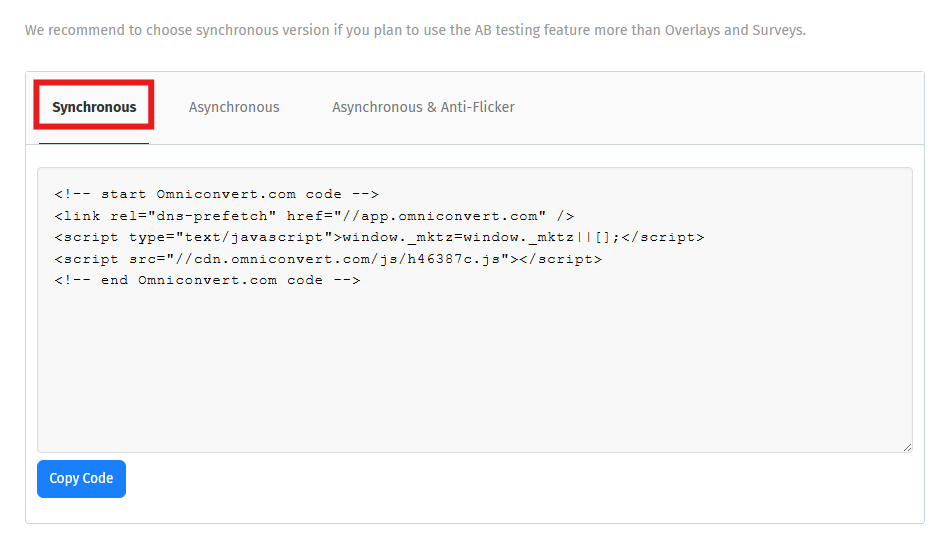
Copy the Synchronous version of the tracking code.
-
In your WordPress Dashboard, go to Appearance → Editor.
-
In the list of Templates, find the one described as
header.php, open it, and paste the tracking code right after the opening<head>tag.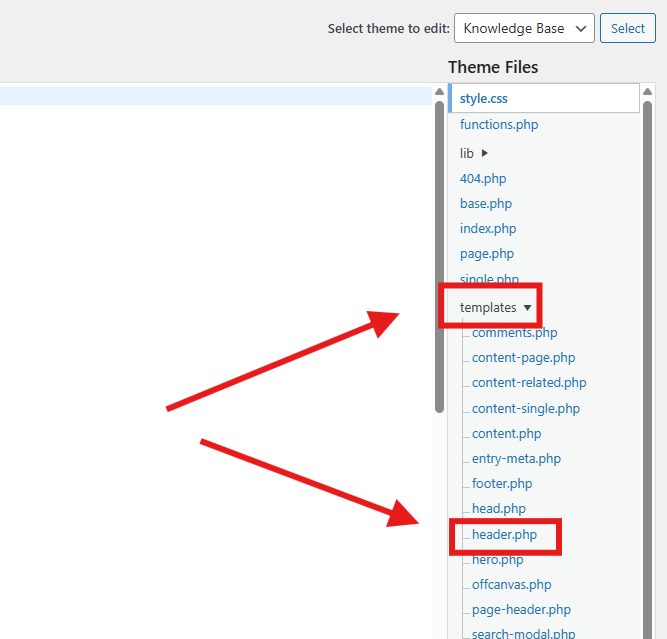
-
Click Update file, then allow around 10 minutes for the change to be processed.
Note
If your website uses Google Tag Manager, follow Install via Google Tag Manager instead - once GTM is set up on your site, that article covers adding the Explore tag through it.