Integrate with CampaignMonitor
Overview
Your Explore Survey tool can collect various visitor data - email, name, phone number, and more. By default, this is saved in Explore and downloadable as a CSV. With the CampaignMonitor integration, you can send that same data directly into a CampaignMonitor list instead.
Setting up the integration
-
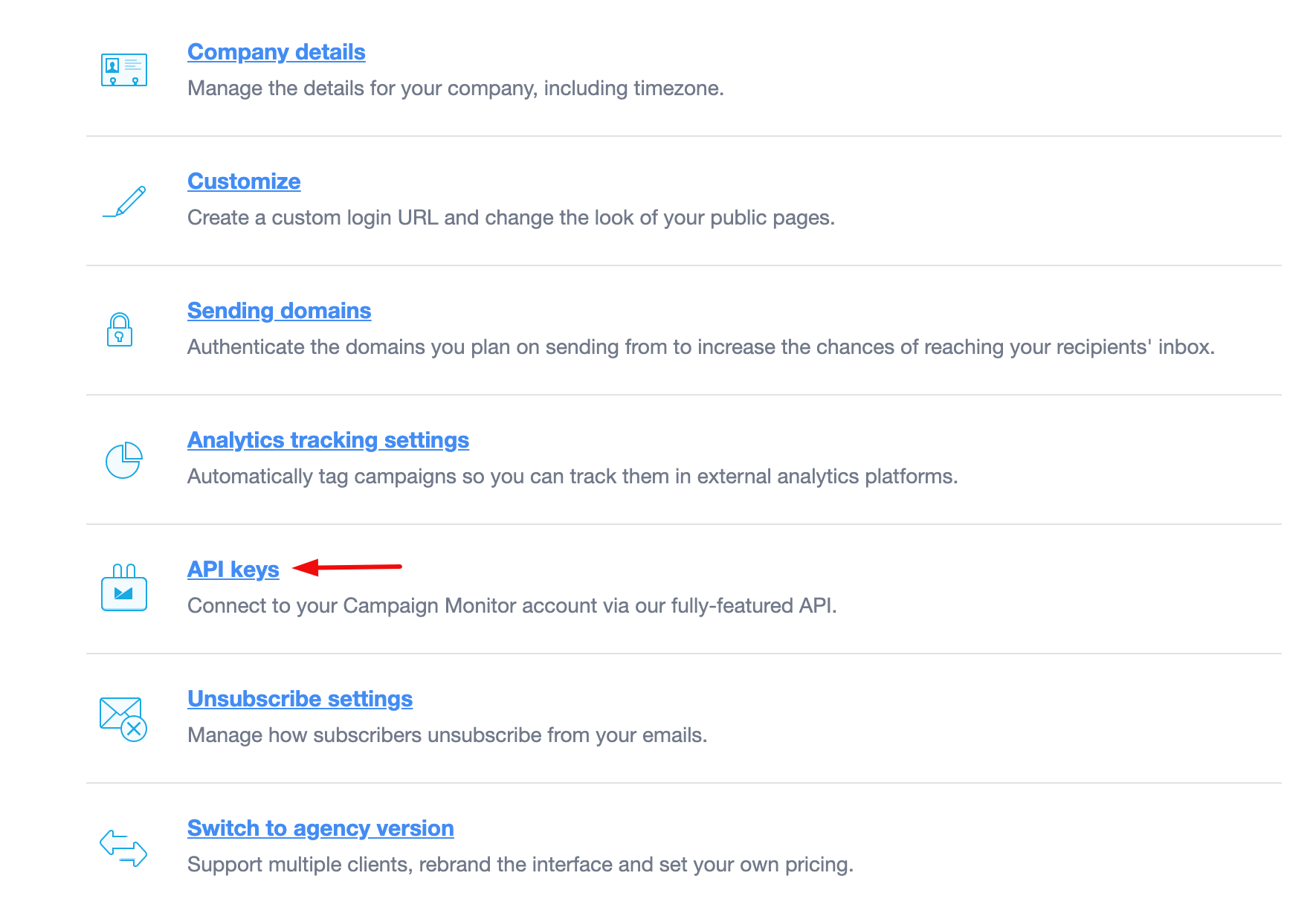
Log into your CampaignMonitor account and go to the Account settings page.
-
Copy your API key.
-
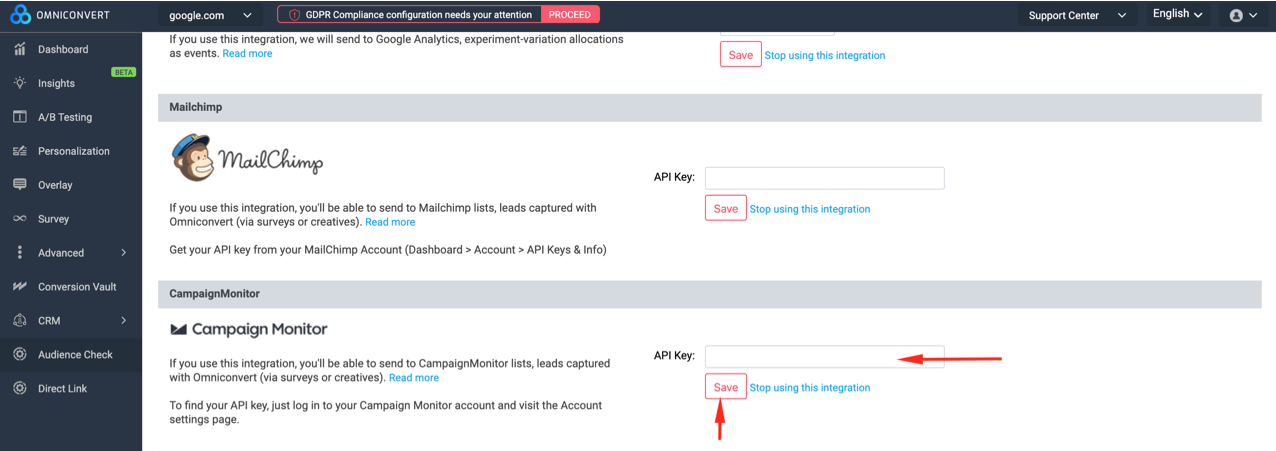
In the Explore Dashboard, paste the API key when requested under Integrations.